



Hunter WiFi Sprinkler Controller Guide
Table of Contents
Time is precious—especially during the busy growing season. Whether you’re managing your own yard or running a landscaping business, anything that saves you a few extra minutes can make all the difference.
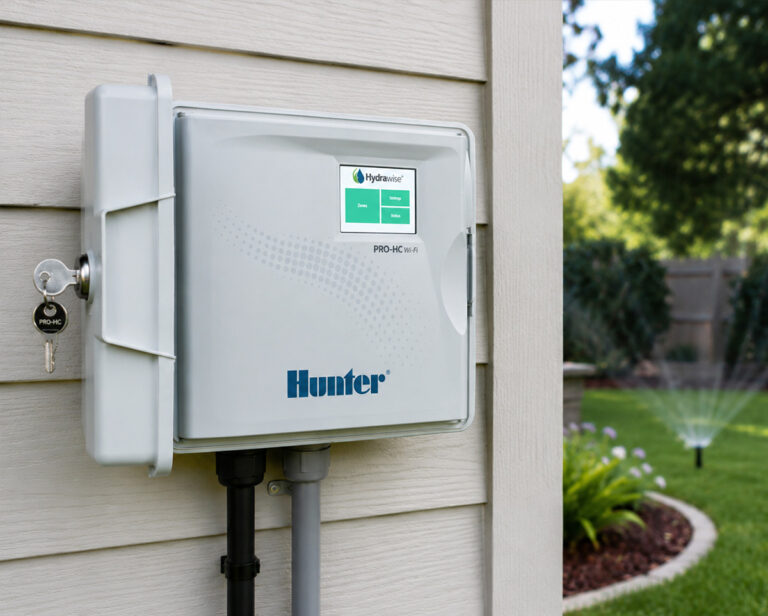
That’s where Hunter sprinkler controllers come in. With intuitive features, powerful automation, and remote access, these controllers aren’t just smart—they’re time-saving machines. Here are five ways a smart Hunter controller helps you get your time (and your day) back.
1. Set It and Forget It (Literally)
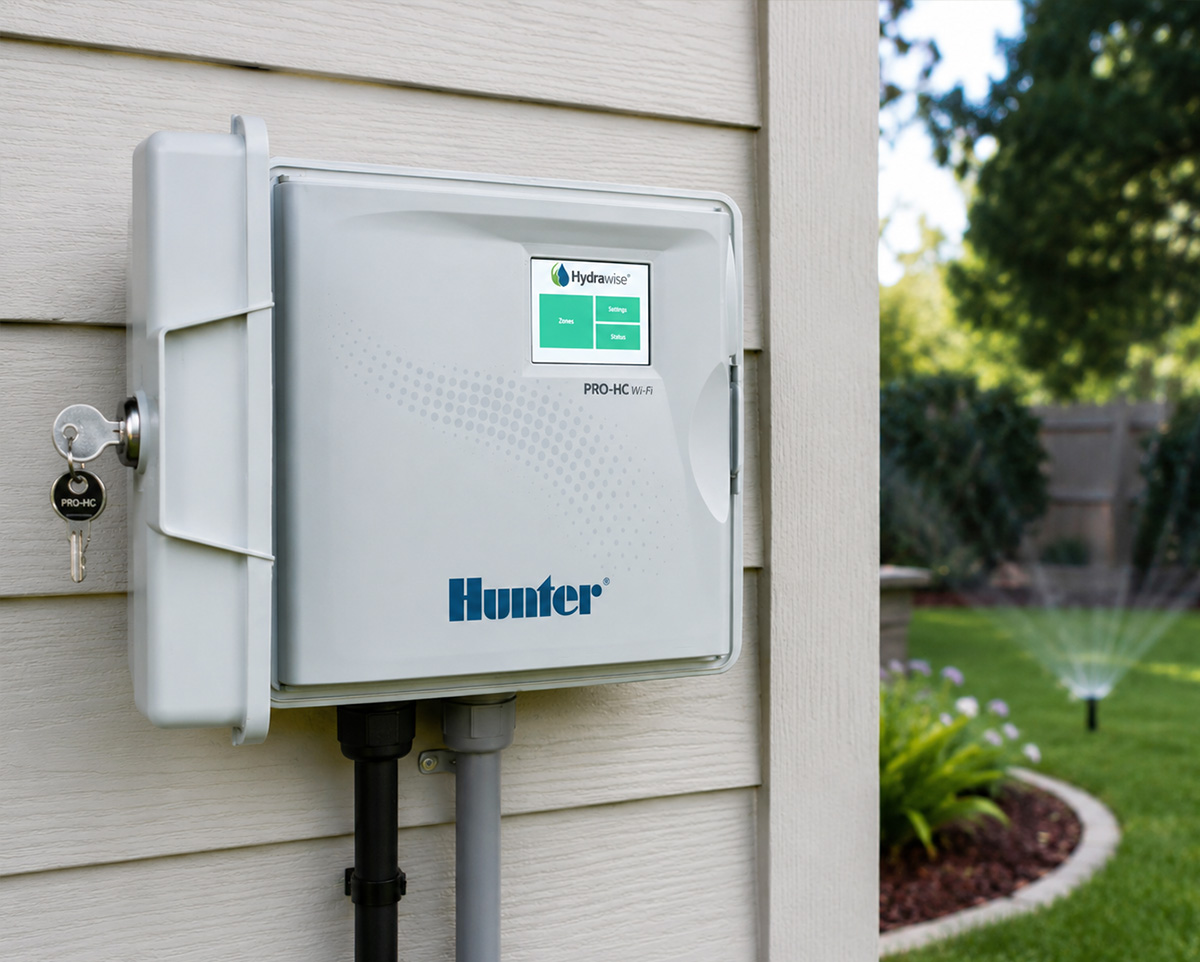
With Hunter’s Hydrawise® technology, you can program your entire irrigation schedule once—and then walk away. These controllers automatically adjust based on real-time weather data. That means no more rushing outside to turn off the sprinklers before a rainstorm or guessing when it’s time to water again. Your system thinks ahead so you don’t have to.
2. Control from Anywhere
With the Hydrawise app, you can manage your irrigation system directly from your phone, whether you’re on the couch or on vacation.
Forgot to adjust your schedule before leaving town? No problem. Need to manually water Zone 3 during a heat wave? Done in a tap. Remote control gives you peace of mind and saves you the time and hassle of manual changes.
3. Instant Alerts: No More Guesswork
Leaky valve? Broken pipe? Offline controller? Instead of spending hours troubleshooting a dead zone, Hunter’s smart diagnostics and alerts help you spot and solve issues faster.
The system keeps you informed with automatic notifications and water usage reports, so you stay ahead of problems without spending your whole weekend figuring them out.
4. Simplified Scheduling for Multiple Zones
Managing multiple irrigation zones used to mean pages of handwritten schedules and lots of double-checking.
With Hunter’s smart interface, you can easily create customized schedules for each zone based on plant type, sun exposure, and soil conditions. The result? Less time tinkering, more time enjoying your yard.
5. Maximize Efficiency, Minimize Waste
Hunter’s smart controllers adjust watering cycles based on evapotranspiration (ET) rates, ensuring your lawn and plants get exactly what they need: no more, no less. That saves water, saves money, and cuts back on the time you’d otherwise spend trying to “eyeball” it.
Plus, many local municipalities offer rebates for switching to smart controllers, saving you time on paperwork, too. And as a bonus tip, pair your Hunter controller with flow sensors and rain/freeze sensors for even more automation and water savings. The more your system does on its own, the less you have to do.
Transform Your Irrigation Setup with a Hunter Sprinkler System
Hunter smart controllers aren’t just about watering your yard or garden; they’re about reclaiming your day. Whether you’re a busy homeowner or a landscape professional managing multiple properties, smart irrigation means smarter time management, less guesswork, and more green lawns—and more time for you and your loved ones. That’s the Hunter difference.
Ready to reclaim your day? Start with a Hunter Smart Controller.
FAQs for Hunter Sprinkler Controllers
Which is better, Rain Bird or Hunter controller?
Both are top-quality brands. Hunter offers advanced smart features such as Hydrawise, while Rain Bird is known for durability and easy programming. Hunter may appeal more to tech-savvy users, while Rain Bird is great for those who prefer a straightforward setup. You really can’t go wrong with either.
Which is better, Rachio or Hunter?
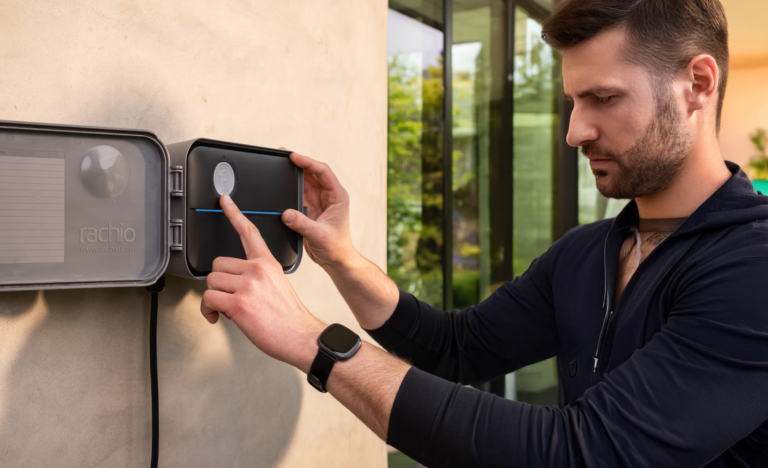
Rachio is known for its sleek app and simple setup, perfect for homeowners who want a fully app-driven system. Hunter, with Hydrawise, offers more robust features, including commercial-grade options and sensor compatibility. If you want high-end customization, Hunter is a solid choice—if you want plug-and-play simplicity, Rachio delivers.
How do I reset my Hunter sprinkler controller?
To reset most Hunter controllers, press and hold the PRG button while turning the dial to “Off.” Release the button, then turn the dial to “Run.” This performs a factory reset and clears all programming. Always refer to your model’s manual for specific instructions.
If you want to stay up-to-date on the latest Sprinkler Warehouse news and make the most of all of our one-of-a-kind promotions, join the Irri-Gator community today. Happy watering, Irri-Gators!